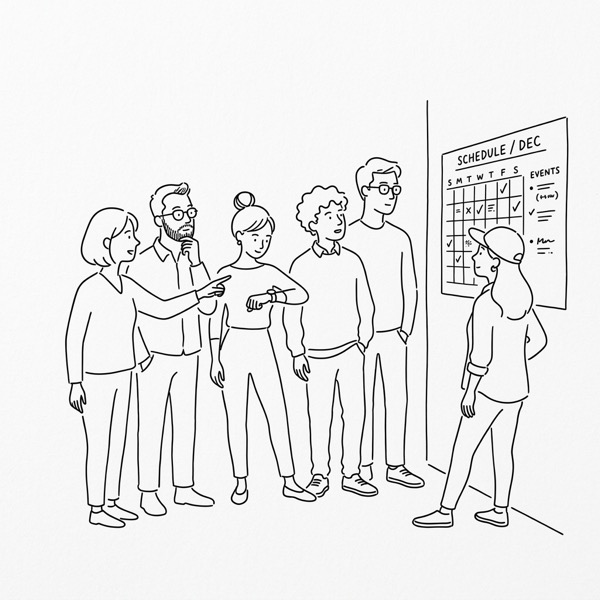
The "Unread" Trap
In most small teams, status updates follow a predictable path. Someone writes a 1,000-word update in a Slack thread or a Google Doc. Everyone "emoji-reacts" to it. Almost no one actually reads it.
The problem isn't that your team is lazy. The problem is that text is a high-latency medium for status. To understand where a project stands by reading, you have to parse sentences, interpret tone, and hold multiple variables in your head at once.
For a team of 2-20, there is a better way: The Dashboard.
Why Visual Beats Text
A dashboard isn't about complex charts or real-time big data. It's about a passive pulse.
When you use a visual dashboard (like a Notion database view, a Trello board, or a Linear roadmap), the status is communicated at the speed of sight. You don't "read" that a project is stuck; you see a red block. You don't "analyze" the workload; you see a column with too many cards.
The Benefits of a Passive Pulse:
- Zero Effort Consumption: Anyone can check the health of the company in 30 seconds without bothering a colleague.
- Contextual Alignment: Seeing your task next to everyone else's provides an immediate sense of priority.
- Meeting Killer: If the dashboard is maintained, "Status Meetings" have no reason to exist.
The "Traffic Light" System
The simplest and most effective dashboard for small teams is the "Traffic Light" (Red/Yellow/Green) status.
- Green: Everything is on track. No help needed.
- Yellow: There is a risk or a slight delay. Keep an eye on this.
- Red: Blocked. Needs immediate intervention.
By making these colors the primary visual element of your project tracker, you allow managers to ignore the "Greens" and focus entirely on the "Reds." This is how you run a team without the noise.
Tooling for Simplicity
Don't buy new software. Use what you have, but use it visually:
- Notion: Gallery or Board views with a "Status" property prominently displayed.
- Trello/Linear: Kanban boards where the "Done" column is regularly cleared to keep the focus on active work.
- Shared Sheets: A simple spreadsheet with conditional formatting that turns cells red if a date is passed.
The Operating Rule
For a dashboard to work, you need one non-negotiable rule:
The dashboard is the source of truth. If it’s not on the dashboard, it didn’t happen.
When your team knows the dashboard is where decisions are made and progress is seen, they will maintain it. And when they maintain it, you get the freedom to stop asking, "Where are we on this?"
Start Small
Next Monday, instead of asking for a written update, try opening a shared board. If you can see the progress without reading a single sentence, you’ve just eliminated your next status meeting.